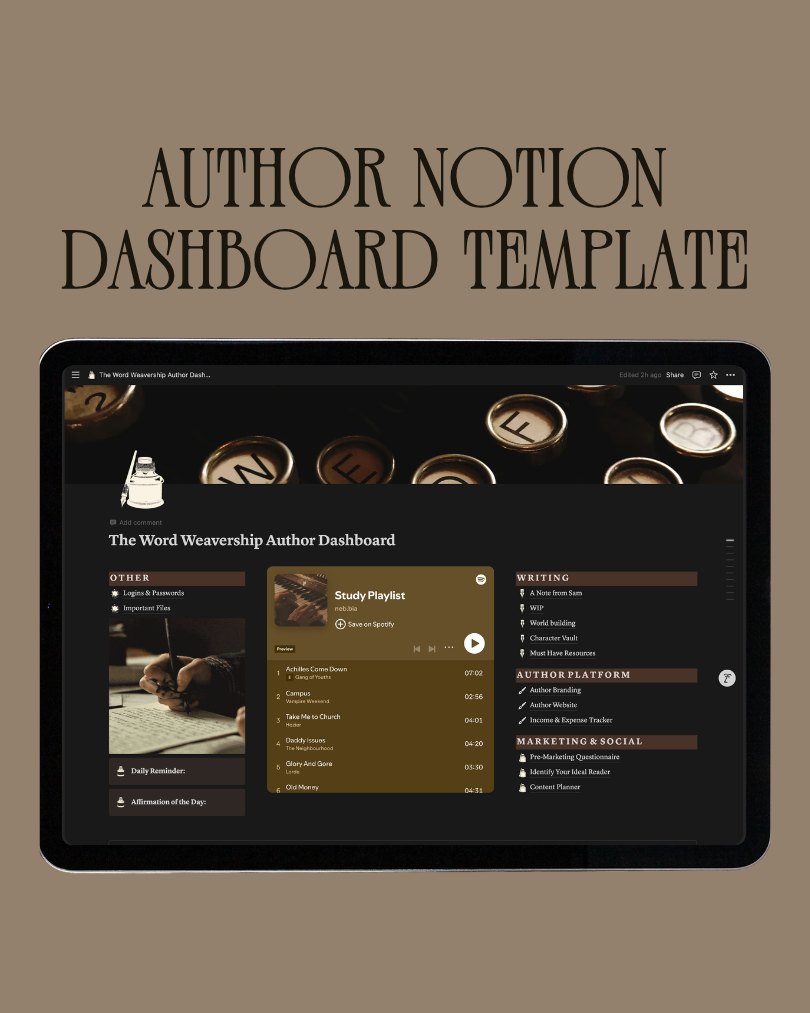
Author Notion Dashboard Template
ABOUT THIS TEMPLATE
Step 1: Log In
Open your web browser and log into your Notion account. If you don’t have an account yet, create one at notion.so (it’s free!)
Step 2: Access the Template
Click the link below and the template will open in your browser as a public Notion page.
Step 3: Duplicate the Template
In the top right corner of the template page, click the “Duplicate” button.
Step 4: Customize Your Template
Once the template appears in your account, you can start editing and personalizing it to suit your needs!
Feel free to move sections, add content, or adjust layouts as desired.